Recent Posts
My Book

Pro .NET Best Practices
Stephen Ritchie's offerings of ruthlessly helpful software engineering practices.
There is a shift toward agent‑assisted and agent‑orchestrated coding. I’m not on the frontier, but I believe I can see it up ahead. I believe it works. And it seems to be accelerating.
The biggest increase is an individual engineer’s ability to leverage the tooling. They need to know how to:
Teams need to train on …
AI creates huge productivity gains based on number of agents used, orchestration skill, and an ability to handle “massively multi-agent” workflows.
Frontier developer tooling is now very focused on:
The idea is that a single developer can operate like a high-efficiency factory, not a traditional dev team.
If you’re trying to keep up, you’ll see a lot of mention of Beads, Ralph, Gas Town, Loom, and Claude-Flow.
.beads/ directory in the Git repository.”It’s very hard to keep up, but I try to keep up by reading Steve Yegge’s blog.
I read this blog post last night. And I read it again this morning. Oof! It’s hard to keep up.
https://steve-yegge.medium.com/steveys-birthday-blog-34f437139cb5
When I wrote about automated testing in “Pro .NET Best Practices,” the challenge was convincing teams to write tests at all. Today, the landscape has shifted dramatically. AI coding assistants can generate tests faster than most developers can write them manually. But this raises a critical question: if AI writes our code and AI writes our tests, who’s actually ensuring quality?
This isn’t a theoretical concern. I’m working with teams right now who are struggling with this exact problem. They’ve adopted AI coding assistants, seen impressive productivity gains, and then discovered that their AI-generated tests pass perfectly while their production systems fail in unexpected ways.
The challenge isn’t whether to use AI for testing; that ship has sailed. The challenge is adapting our testing strategies to maintain quality assurance when both code and tests might come from machine learning models.
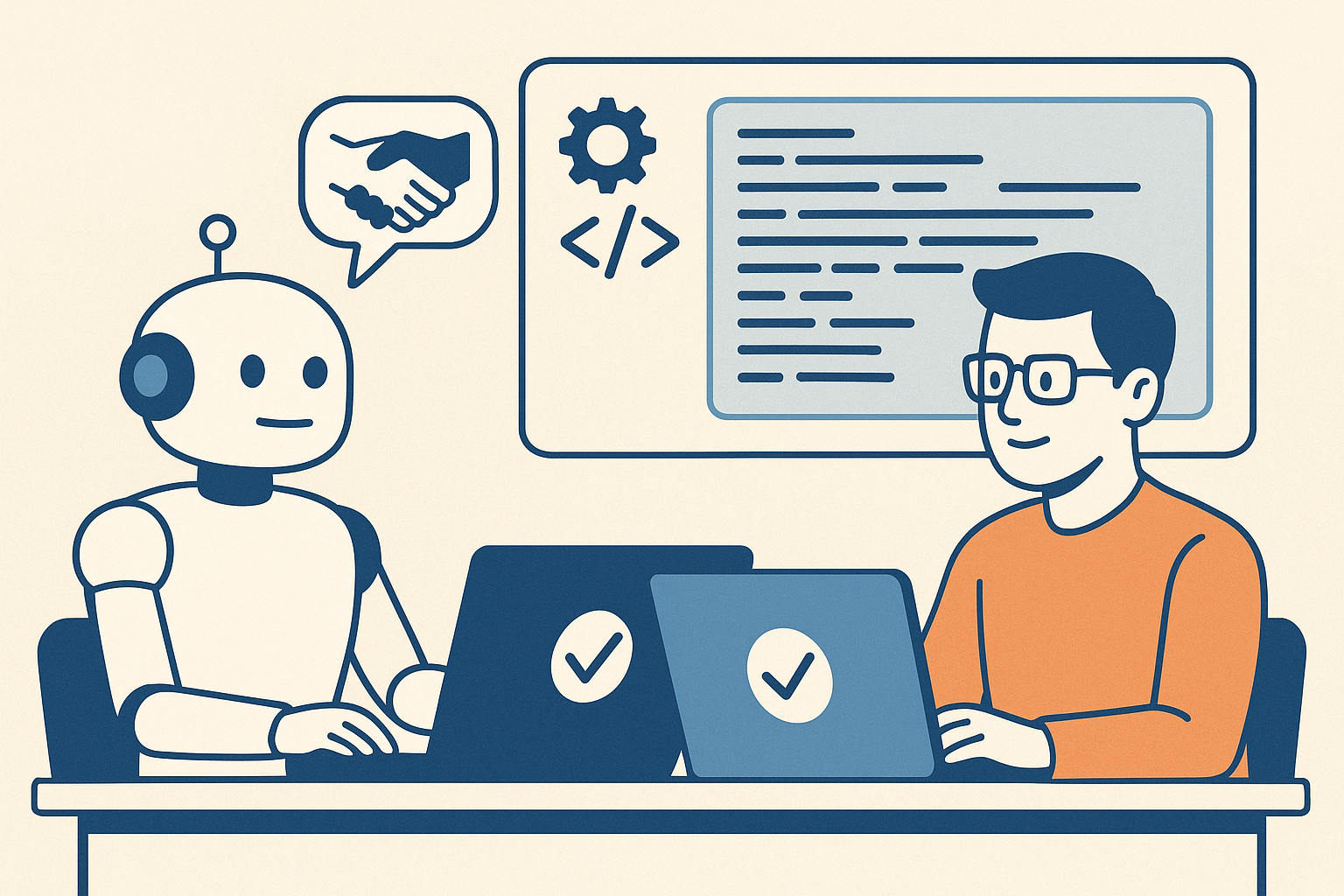
Let’s be clear about what’s changed and what hasn’t. The fundamental purpose of automated testing remains the same: gain confidence that code works as intended, catch regressions early, and document expected behavior. What’s changed is the economics and psychology of test creation.
AI coding assistants excel at several testing tasks:
Boilerplate Test Generation: Creating basic unit tests for simple methods, constructors, and data validation logic. These tests are often tedious to write manually, and AI can generate them consistently and quickly.
Test Data Creation: Generating realistic test data, edge cases, and boundary conditions. AI can often identify scenarios that developers might overlook.
Test Coverage Completion: Analyzing code and identifying untested paths or branches. AI can suggest tests that bring coverage percentages up systematically.
Repetitive Test Patterns: Creating similar tests for related functionality, like testing multiple API endpoints with similar structure.
For these scenarios, AI assistance is genuinely ruthlessly helpful. It’s practical (works with existing test frameworks), generally accepted (becoming standard practice), valuable (saves significant time), and archetypal (provides clear patterns).
But there are critical areas where AI-assisted testing introduces new risks:
Assumption Alignment: AI generates tests based on code structure, not business requirements. The tests might perfectly validate the code’s implementation while missing the fact that the implementation itself is wrong.
Test Quality Decay: When tests are easy to generate, teams stop thinking critically about test design. You end up with hundreds of tests that all validate the same happy path while missing critical failure modes.
False Confidence: High test coverage numbers from AI-generated tests can create illusion of safety. Teams see 90% coverage and assume quality, when those tests might be superficial.
Maintenance Burden: AI can create tests faster than you can maintain them. Teams accumulate thousands of tests without considering long-term maintenance cost.
This is where we need new strategies. The old testing approaches from my book still apply, but they need adaptation for AI-assisted development.
Here’s the framework I’m recommending to teams adopting AI coding assistants. It’s based on the principle that different types of tests serve different purposes, and AI is better at some than others.
Let AI generate basic unit tests, but with constraints:
What to Generate:
Quality Gates:
Implementation Example:
// AI excels at generating tests like this
[Theory]
[InlineData(0, 0)]
[InlineData(100, 100)]
[InlineData(-50, 50)]
public void Test_CalculateAbsoluteValue_ReturnsCorrectResult(int input, int expected)
{
    # Arrange + Act
    var result = MathUtilities.CalculateAbsoluteValue(input);

    # Assert
    Assert.Equal(expected, result);
}
The AI can generate these quickly and comprehensively. Your job is ensuring they test the right things.
This is where human judgment becomes critical. Integration tests verify that components work together correctly, and AI often struggles to understand these relationships.
What Humans Should Design: – Tests that verify business rules and workflows – Tests that validate interactions between components – Tests that ensure data flows correctly through the system – Tests that verify security and authorization boundaries
Why Humans, Not AI: AI generates tests based on code structure. Humans design tests based on business requirements and failure modes they’ve experienced. Integration tests require understanding of what the system should do, not just what it does do.
Implementation Approach: 1. Write integration test outlines describing the scenario and expected outcome 2. Use AI to help fill in test setup and data creation 3. Keep assertion logic explicit and human-reviewed 4. Document the business rule or requirement each test validates
This layer compensates for both human and AI blind spots.
Property-Based Testing: Instead of testing specific inputs, test properties that should always be true. AI can help generate the properties, but humans must define what properties matter. For more info, see: Property-based testing in C#
Example:
// Property: Serializing then deserializing should return equivalent object
[Test]
public void Test_SerializationRoundTrip_PreservesData()
{
    # Arrange
    var user = TestHelper.GenerateTestUser();
    var serialized = JsonSerializer.Serialize(user);

    # Act
    var deserialized = JsonSerializer.Deserialize<User>(serialized);

    # Assert
    Assert.Equal(user, deserialized);
}
Exploratory Testing: Use AI to generate random test scenarios and edge cases that humans might not consider. Tools like fuzzing can be enhanced with AI to generate more realistic test inputs.
The ultimate test of quality is production behavior. Modern testing strategies must include:
Synthetic Monitoring: Automated tests running against production systems to validate real-world behavior
Canary Deployments: Gradual rollout with automated rollback on quality metrics degradation
Feature Flags with Metrics: A/B testing new functionality with automated quality gates
Error Budget Tracking: Quantifying acceptable failure rates and automatically alerting when exceeded
This layer catches what all other layers miss. It’s particularly critical when AI is generating code, because AI might create perfectly valid code that behaves unexpectedly under production load or data.
Here’s how to adapt your testing practices for AI-assisted development, starting immediately.
Before generating more tests, understand what you have:
Coverage Analysis:
Test Quality Assessment:
Create clear guidelines for AI-assisted test creation:
When to Use AI:
When to Write Manually:
Quality Standards:
Don’t try to implement all layers at once. Start where you’ll get the most value:
Week 1-2: Implement Layer 1 (AI-generated unit tests)
Week 3-4: Strengthen Layer 2 (Human-designed integration tests)
Week 5-6: Add Layer 4 (Production monitoring)
Later: Add Layer 3 (Property-based testing)
Track both leading and lagging indicators of test effectiveness:
Leading Indicators:
Lagging Indicators:
The goal isn’t maximum test coverage; it’s maximum confidence in quality control at minimum cost.
This is actually a feature, not a bug. Consistent test structure makes tests easier to maintain. The problem is when all tests validate the same thing.
Solution: Focus review effort on test assertions. Do the tests validate different behaviors, or just different inputs to the same behavior? Use code review to catch redundant tests before they accumulate.
AI makes it easy to generate tests, which can lead to exponential growth in test count and execution time.
Solution: Implement test categorization and selective execution. Use tags to distinguish:
Don’t let AI generate slow tests. If a test needs database access or external services, it should be human-designed and tagged appropriately.
This is the fundamental risk of AI-assisted development. Tests validate what the code does, not what it should do.
Solution: Implement Layer 4 (production monitoring) as early as possible. No amount of testing replaces real-world validation. Use production metrics to identify gaps in test coverage and generate new test scenarios.
When tests are auto-generated, they feel less important than production code. Reviews become rubber stamps.
Solution: Make test quality a team value. Track metrics like:
Publicly recognize good test reviews and test design. Make it clear that test quality matters as much as code quality.
Organizations implementing modern testing strategies with AI assistance report numbers that should be taken with a grain of salt, because of source bias, different levels of maturity, and the fact that not all “test coverage” is equally valuable.
Calculate your team’s current testing economics:
Then try to quantify the impact of:
This Week:
This Month:
This Week:
This Month:
This Quarter:
This Year:
When I wrote about automated testing in 2011, the biggest challenge was convincing developers to write tests at all. The objections were always about time: “We don’t have time to write tests, we need to ship features.” I spent considerable effort building the business case for testing; showing how tests save time by catching bugs early.
Today’s challenge is almost the inverse. AI makes test creation so easy that teams can generate thousands of tests without thinking carefully about what they’re testing. The bottleneck has shifted from test creation to test design and maintenance.
This is actually a much better problem to have. Instead of debating whether to test, we’re debating how to test effectively. The ruthlessly helpful framework applies perfectly: automated testing is clearly valuable, widely accepted, and provides clear examples. The question is how to be practical about it.
My recommendation is to embrace AI for what it does well (generating routine, repetitive tests) while keeping humans focused on what we do well:
The teams that thrive won’t be those that generate the most tests or achieve the highest coverage percentages. They’ll be the teams that achieve the highest confidence with the most maintainable test suites. That requires strategic thinking about testing, not just tactical application of AI tools.
One prediction I’m comfortable making: in five years, we’ll look back at current test coverage metrics with the same skepticism we now have for lines-of-code metrics. The question won’t be “how many tests do you have?” but “how confident are you that your system works correctly?” AI-assisted testing can help us answer that question, but only if we’re thoughtful about implementation.
The future of testing isn’t AI vs. humans. It’s AI and humans working together, each doing what they do best, to build more reliable software faster.
The other day I was speaking with an engineer and they asked me to describe the crucial skills that make engineers successful. I think this is an important topic.
In a world driven by technological innovation, the role of an engineer is more crucial than ever. Yet, what separates good engineers from successful ones isn’t just technical know-how; it involves a mastery of various practical and soft skills. Let’s explore these skills.
Problem Solving — Every engineer’s primary role involves solving problems to build things or fix things. However, successful engineers distinguish themselves by tackling novel challenges that aren’t typically addressed in conventional education. Refine your ability to devise innovative solutions.
Learn and practice techniques such as:
Creativity — John Cleese once said, “Creativity is not a talent … it is a way of operating.” Creativity in engineering isn’t about artistic ability; it’s about thinking differently and being open to new ideas.
Foster creativity by:
Critical Thinking — This involves a methodical analysis and evaluation of information to form a judgment. This skill is vital for making informed decisions and avoiding costly mistakes in complex projects.
Successful engineers often excel at:
Domain Expertise – Understanding the specific needs and processes of the business, market, or industry you are working with can greatly enhance the relevance and impact of your engineering solutions. Domain expertise allows engineers to deliver more targeted and effective solutions.
Learn the domain by:
The importance of emotional intelligence (EQ) in engineering cannot be overstated. As engineers advance in their careers, their technical responsibilities often broaden to include leadership roles. These skills help in nurturing a positive work environment and team effectiveness. Moreover, as many experts suggest, EQ tends to increase with age, which provides a valuable opportunity for personal development over time.
Broaden your skills to include more soft skills:
Personal Process — Engineering is as much about personal growth as it is about technical know-how. Successful engineers maintain a disciplined personal development process that helps them continuously improve their performance.
Hone your ability and habit of:
Team Process — In collaborative environments, the ability to facilitate, influence, and negotiate becomes crucial. Successful engineers need to articulate and share their vision, adapt their roles to the team’s needs, and contribute to building efficient, inclusive teams. This involves balancing speed and quality in engineering tasks and fostering an environment where new and better practices are embraced.
The landscape of engineering is constantly evolving, driven by advancements in technology and changes in market demands. Remaining successful as an engineer requires a commitment to lifelong learning—actively seeking out new knowledge and skills to stay ahead of the curve.
In summary, to adapt and thrive, you must take charge of you own skill development.
If you are looking to deepen your understanding of these concepts, many resources are available. Here are some recommended resources to provide insights and tools to enhance you skills.
Pro .NET Best Practices
 Ruthlessly Helpful